
Leaving a dog in a small apartment hits different than leaving one with a backyard. A pet camera won’t replace a walker, but it can show you whether your pup is napping, barking at hallway noise, or waiting by the door. Treat tossers and two-way talk help some dogs; others get more worked up—so pick for your dog’s personality.
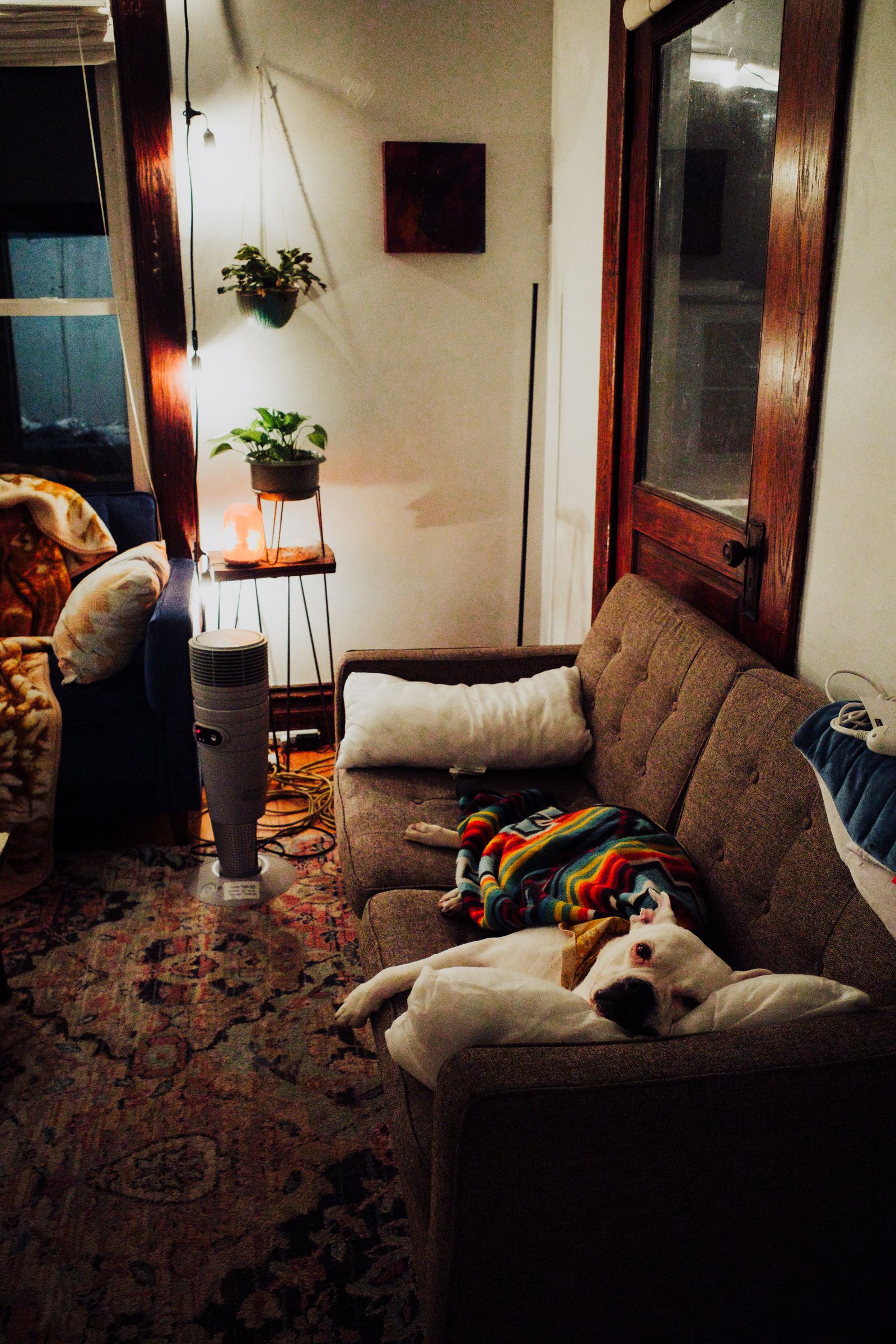
Here are three camera options we think are worth a look, plus a simple guide to apartment-friendly setups.
Quick Picks
| Camera | Approx. Price | Standout Feature | Best For |
|---|---|---|---|
| Furbo 360° Dog Camera | ~$150–$220 | Treat tossing + dog-focused alerts | Owners who want interactive check-ins |
| Petcube Bites 2 Lite | ~$90–$150 | Treat toss + solid app features | Mid-range treat-cam setups |
| Wyze Cam Pan v3 | ~$30–$50 | Pan/tilt on a budget | Monitoring without treat toys |
Prices change often. Check the current price at each link.
1. Furbo 360° Dog Camera
Check Amazon for current price: Furbo 360 Dog Camera
Furbo is the name many apartment dog parents already know. The 360° model pans to follow motion, tosses treats, and leans into dog-specific alerts (barking, for example) through its app ecosystem. In a studio, one well-placed Furbo can cover the main living area without a clutter of gadgets.
Be honest about treat tossing: it’s fun and useful for enrichment, but it can also train your dog to bark for snacks. Use it as a calm reward, not a guilt button every time you open the app on the subway.
Best for: Interactive check-ins and owners who like dog-specific features.
Pros
-
Wide coverage with 360° viewing
-
Treat tossing for positive check-ins
-
Dog-oriented alerts (plan features may vary by subscription)
-
Strong brand support and clear pet focus
Cons
-
Higher price than basic security cams
-
Some smart alerts may need a paid plan—check current terms
-
Treat noise and barking-for-treats can annoy neighbors if overused
-
Needs reliable Wi-Fi in older buildings
2. Petcube Bites 2 Lite
Check Amazon for current price: Petcube Bites 2 Lite
Petcube’s Bites line mixes a camera with a treat dispenser in a compact tower that fits apartment shelves and bookcases. The Lite version is often the sweet spot for people who want tossing without the top price tier. Two-way audio lets you shush a door-bark—or accidentally amp it up—so test what your dog does when they hear your voice.
Place it where treats land on hard floor or a mat, not behind the couch. In small spaces, jammed treats under furniture become a nightly cleanup.
Best for: Mid-budget treat cameras that still feel pet-first.
Pros
-
Treat tossing without Furbo-level spend (often)
-
Compact footprint for shelves
-
App viewing when you’re at work
-
Good “I’m okay, you’re okay” enrichment tool when used lightly
Cons
-
Subscription features may apply for advanced alerts—verify listing
-
Treat size and dryness matter or jams happen
-
Audio can excite barky dogs
-
Needs a power outlet in a useful camera angle
3. Wyze Cam Pan v3
Check Amazon for current price: Wyze Cam Pan v3
If you mainly want to see your dog—not feed them from your phone—a pan/tilt budget cam like the Wyze Cam Pan v3 covers a lot of apartment for a little money. It can sweep a studio, record to a local card on many setups, and help you decide whether that midday bark needs a walker or just a thunderstorm playlist.
Skip treat features entirely if your dog resource-guards or if you rent a place where crumbs invite pests. Monitoring alone is still valuable.
Best for: Budget monitoring, multiple rooms later, and no-treat households.
Pros
-
Much lower price than pet specialty cams
-
Pan/tilt helps in open studios
-
Color night vision / solid everyday feature set for the cost
-
Easy to add a second cam if you expand
Cons
-
Not dog-treat interactive
-
Pet-specific AI alerts are more limited than Furbo-style cams
-
DIY setup—you’ll choose mounting and privacy settings carefully
-
Privacy: use strong account security like any home cam
Buying Guide: What Matters in a Small Space
Wi-Fi reality. Thick floors and old risers kill 5 GHz sometimes. Prefer cams that support 2.4 GHz if your apartment Wi-Fi is finicky.
One good angle beats three bad ones. Point at the door, crate, or couch—wherever your dog actually hangs out.
Talk / toss carefully. Some dogs settle when they hear you; others pace and bark more. Test on a short errand first.
Privacy and roommates. Agree on where cameras point. Avoid bathrooms and roommate private spaces.
Sound vs. neighbors. If your dog alerts at every hallway noise, a camera helps you measure the problem so you can train or add white noise—not just watch helplessly.
FAQ
Do I need a subscription?
Basic live view often works without one; advanced bark alerts and cloud clips may need a plan. Read the current offer before you buy.
Will a camera stop separation anxiety?
No. It helps you observe. Real help is training, exercise, and sometimes a behavior professional—plus midday breaks in apartments.
Where should I put it?
Elevated on a shelf, cord managed so it can’t be chewed, aimed at the main living zone. Keep treats landing in a clear spot.
Which One Should You Pick?
Start with how you’ll use check-ins:
-
Want the classic dog treat-cam experience? Go with the Check Amazon for current price: Furbo 360 Dog Camera.
-
Want tossing features for less? The Check Amazon for current price: Petcube Bites 2 Lite is a strong middle path.
-
Just need eyes on your pup without treats? The Check Amazon for current price: Wyze Cam Pan v3 covers small spaces affordably.
Whichever you choose, pair it with real midday care when days are long. A camera is a window—not a dog walker—and City Pups families use both wisely.
Disclosure: City Pups is reader-supported. If you buy through links on this page, we may earn a small commission from Amazon or other retailers, at no extra cost to you. We only recommend gear we think suits apartment life.